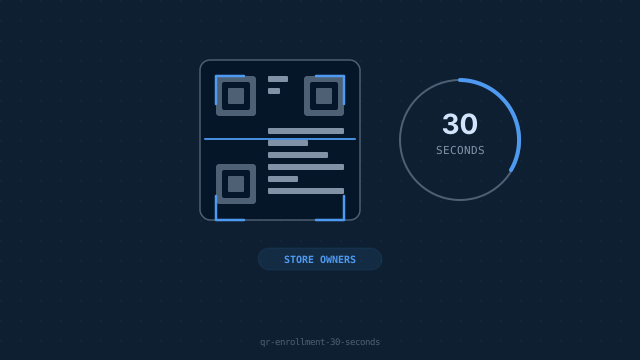
A step-by-step breakdown of our one-scan enrollment process that eliminates Test DPC and double scanning.
Traditional MDM enrollment in Android requires the Test DPC app, a factory reset, and a double-scan process that takes 5–10 minutes. Rectym's DevLock changes this entirely — a brand new device can be enrolled in under 30 seconds using a single QR scan, with no reset required.
How the 30-Second Enrollment Works
- check_circleOpen the Rectym dashboard and tap 'Enroll New Device'
- check_circleA unique QR code appears — specific to this enrollment session
- check_circleDuring Android setup on the new device, scan this QR at the 'Set up your work device' screen
- check_circleThe device downloads the DevLock agent and registers under your account
- check_circleIMEI is captured, linked to the customer profile, and the device is ready for sale
Why We Eliminated Test DPC
Test DPC was designed by Google for testing enterprise MDM — not for retail environments. It adds unnecessary complexity and was never intended for store-floor use. Our proprietary provisioning method bypasses Test DPC entirely by using Android's NFC/QR provisioning flow directly.
Speed Comparison
Traditional MDM enrollment: 8–12 minutes. Rectym DevLock: 28 seconds on average. That's a 95% reduction in setup time per device.
What Happens After Enrollment?
Once enrolled, the device behaves completely normally for the customer. The DevLock agent runs silently in the background, waiting for policy commands from your dashboard. There are no visible apps, no performance impact, and no alerts to the customer — unless a payment is missed.